



ELEGOO Ecran LCD Saturn 4 16K
1,990.91 DH (HT)
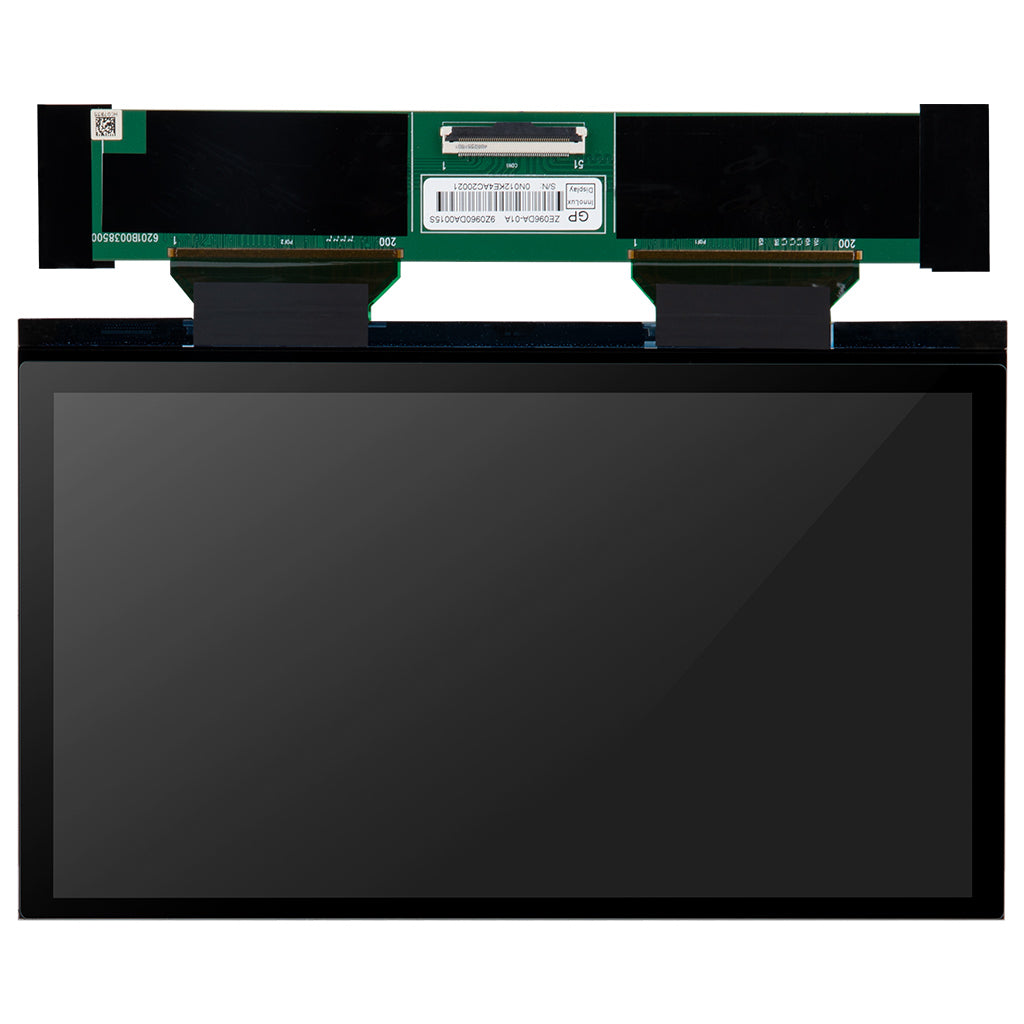
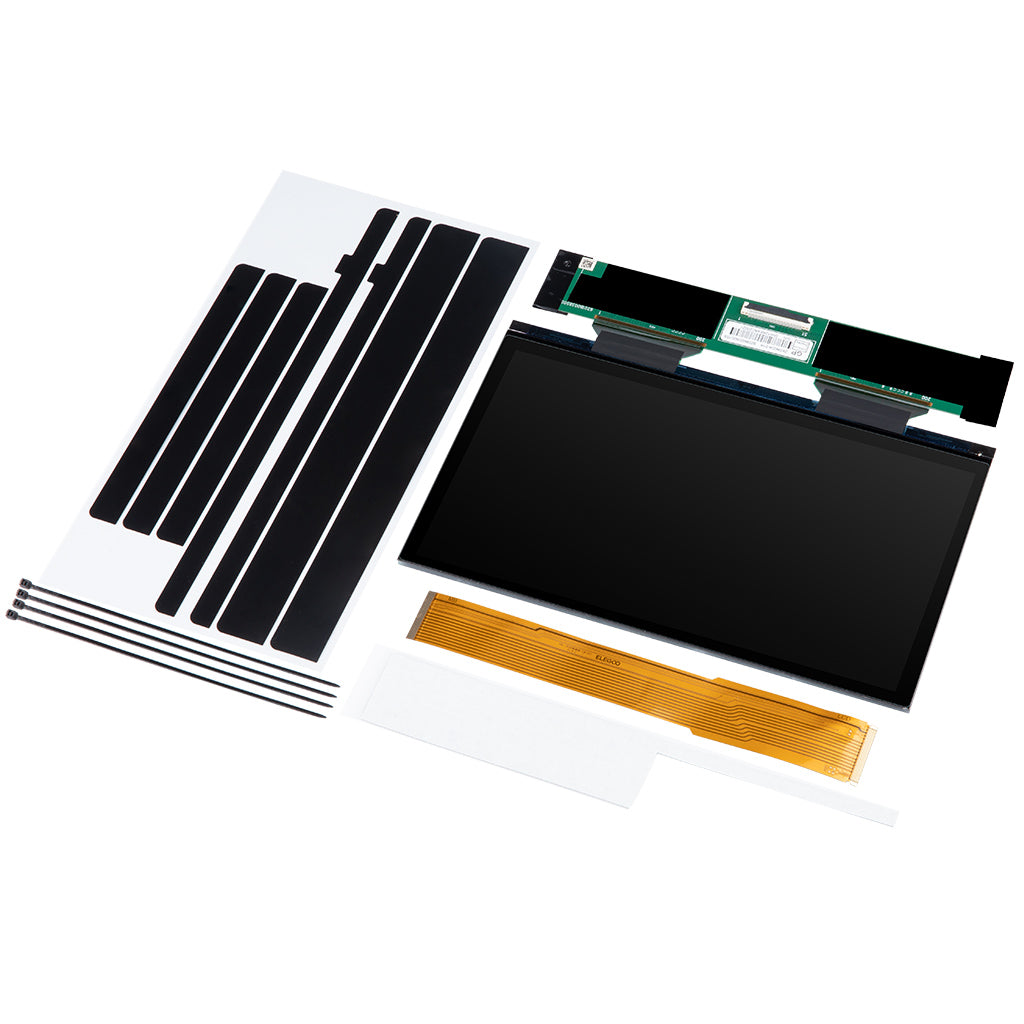
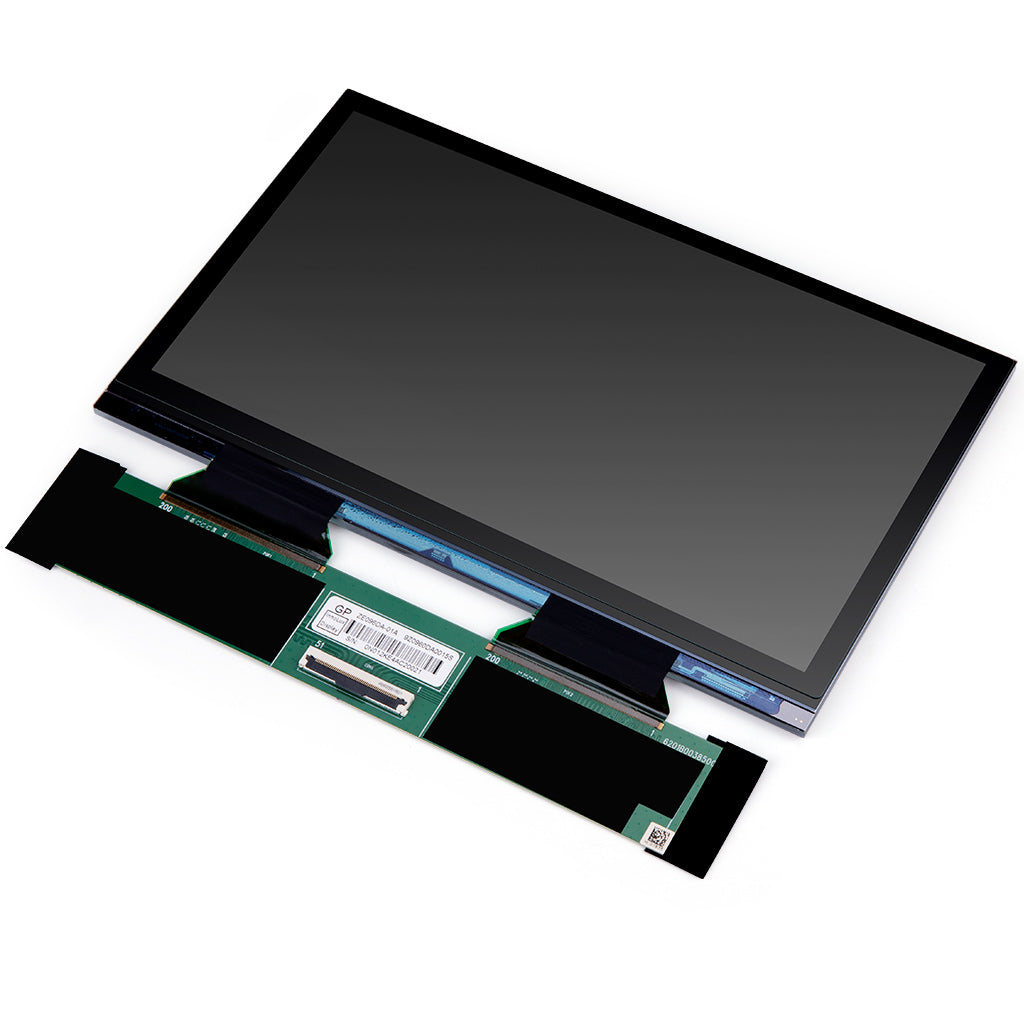
Original ELEGOO 16K monochrome LCD screen, the replacement part for the Saturn 4 Ultra 16K resin 3D printer. Complete kit with flat cable, fixing strips and cable ties.
Description
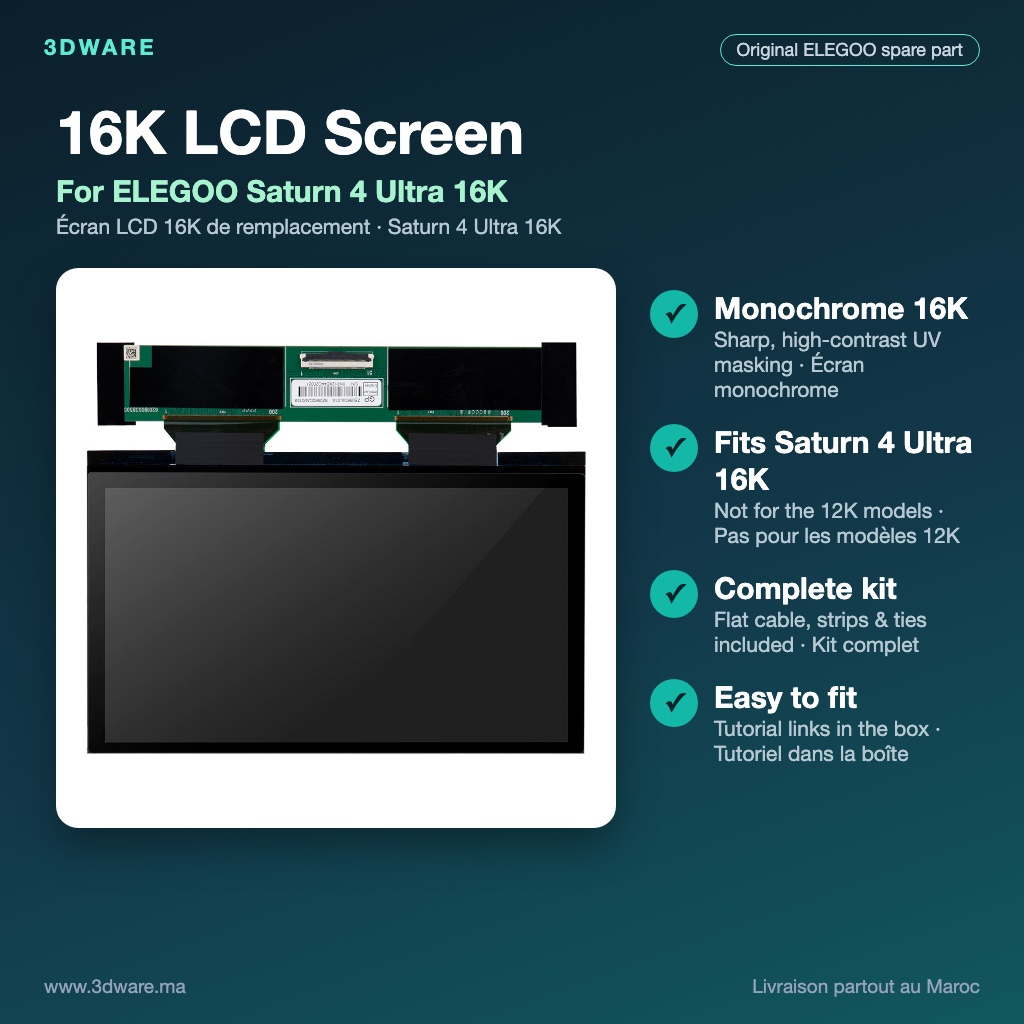
Original replacement 16K monochrome LCD screen for the ELEGOO Saturn 4 Ultra 16K resin 3D printer. It is the screen that masks the UV light layer by layer, so its condition decides the sharpness and the success rate of every print.
Why replace your LCD screen?
An LCD screen is a wear part: every print exposes it to UV light, and over time pixels can fail. Replace it if you notice:
- Dead or stuck pixels, lines, dark spots or patches that appear on the models;
- Layers that do not cure, ghosting, or parts that fail in the same area of the plate again and again;
- A cracked or scratched screen, or a screen that no longer lights evenly.
Key features
- 16K monochrome LCD: monochrome screens let much more UV light through than colour screens, which allows short exposure times and a longer screen life, with sharp, high-contrast details.
- Made for the Saturn 4 Ultra 16K: a drop-in replacement for the original screen, so you get back the printer’s original fine-detail quality: miniatures, jewellery, dental and engineering models.
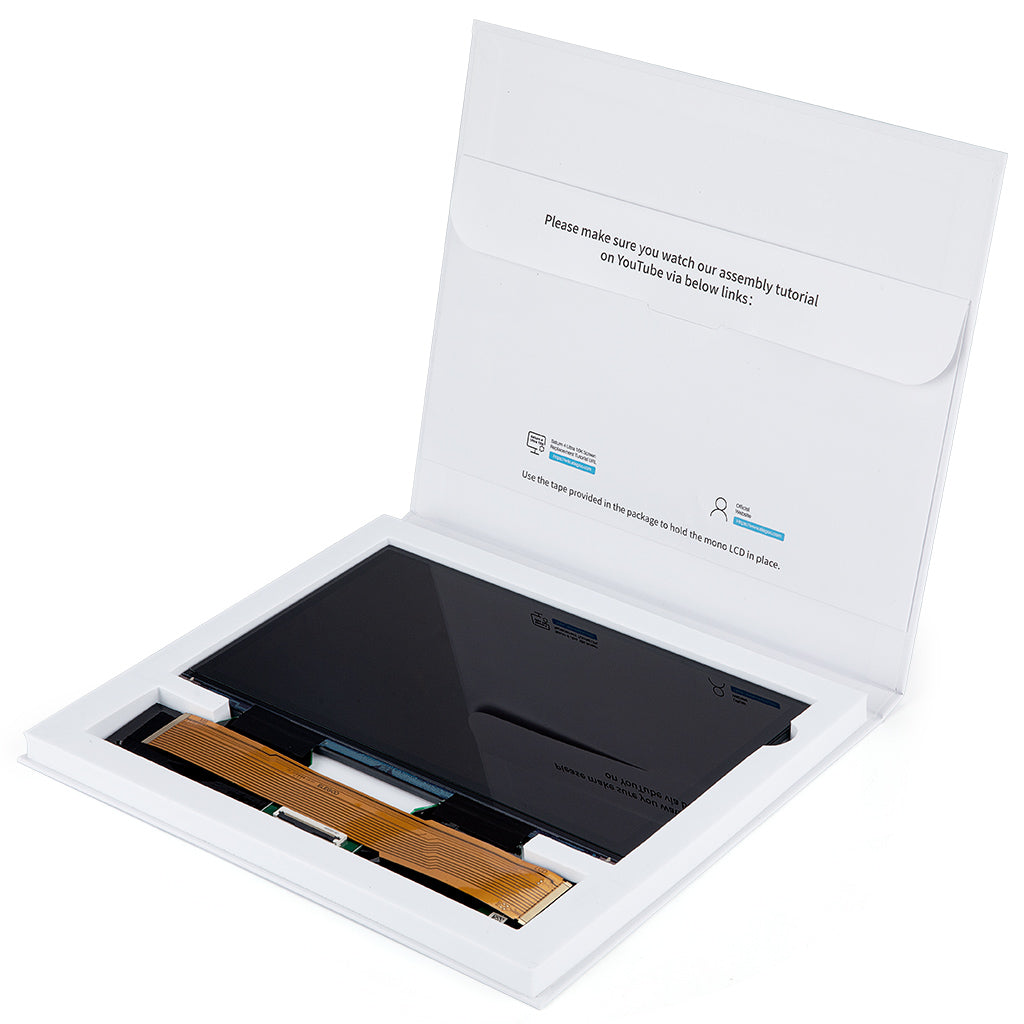
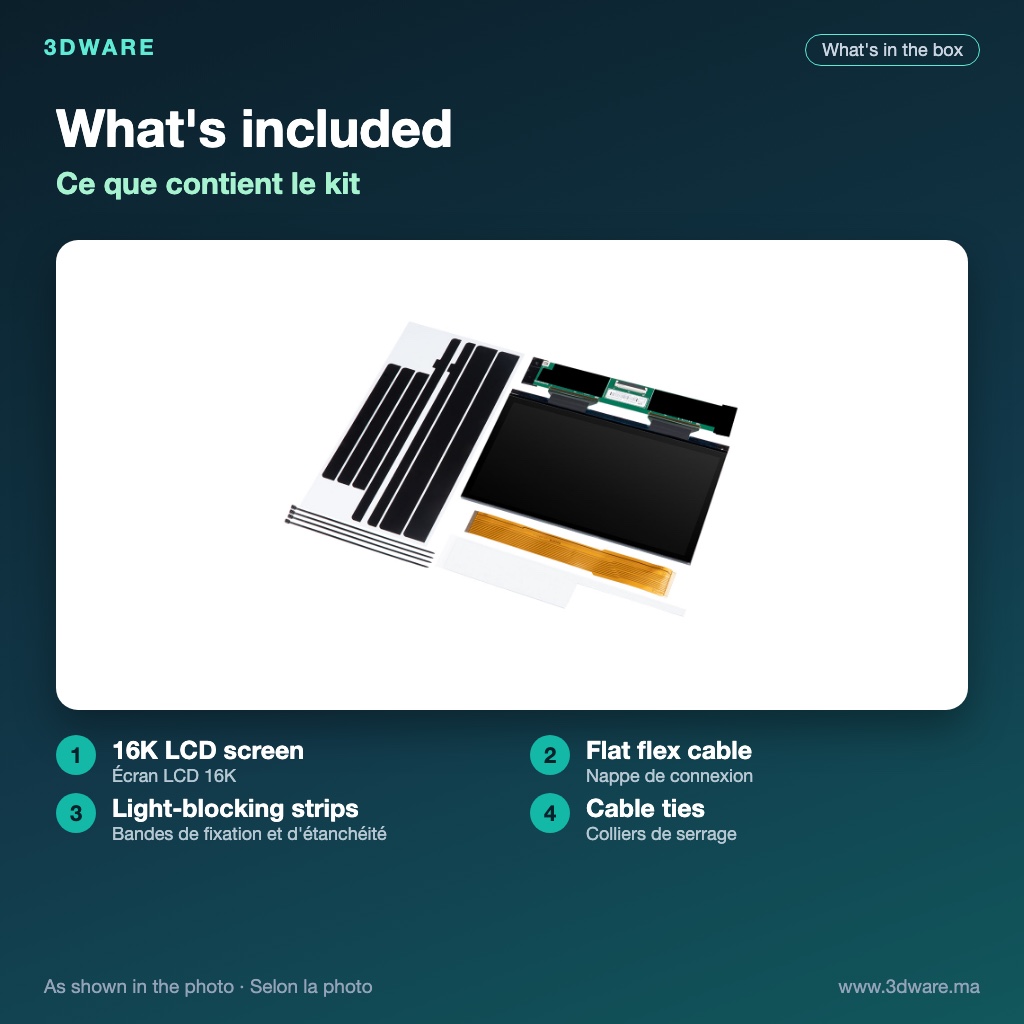
- Complete kit: as shown in the photos, the box contains the LCD screen, the flat flex cable, the fixing and light-blocking strips and cable ties.
- Easy to fit: assembly tutorial links are printed inside the box, and the supplied strips hold the screen in place.
- Official original manufacturer spare part, not a generic copy.
At a glance
| Brand | ELEGOO (original spare part) |
|---|---|
| Part | 16K monochrome LCD screen |
| Compatible with | ELEGOO Saturn 4 Ultra 16K |
| In the box | LCD screen, flat flex cable, fixing strips, cable ties |
| Condition | New, in its original box |
Remarks
- This screen is only intended for the ELEGOO Saturn 4 Ultra 16K. Do not use it on the 12K models (Saturn 4 / Saturn 4 Ultra), which use a different screen.
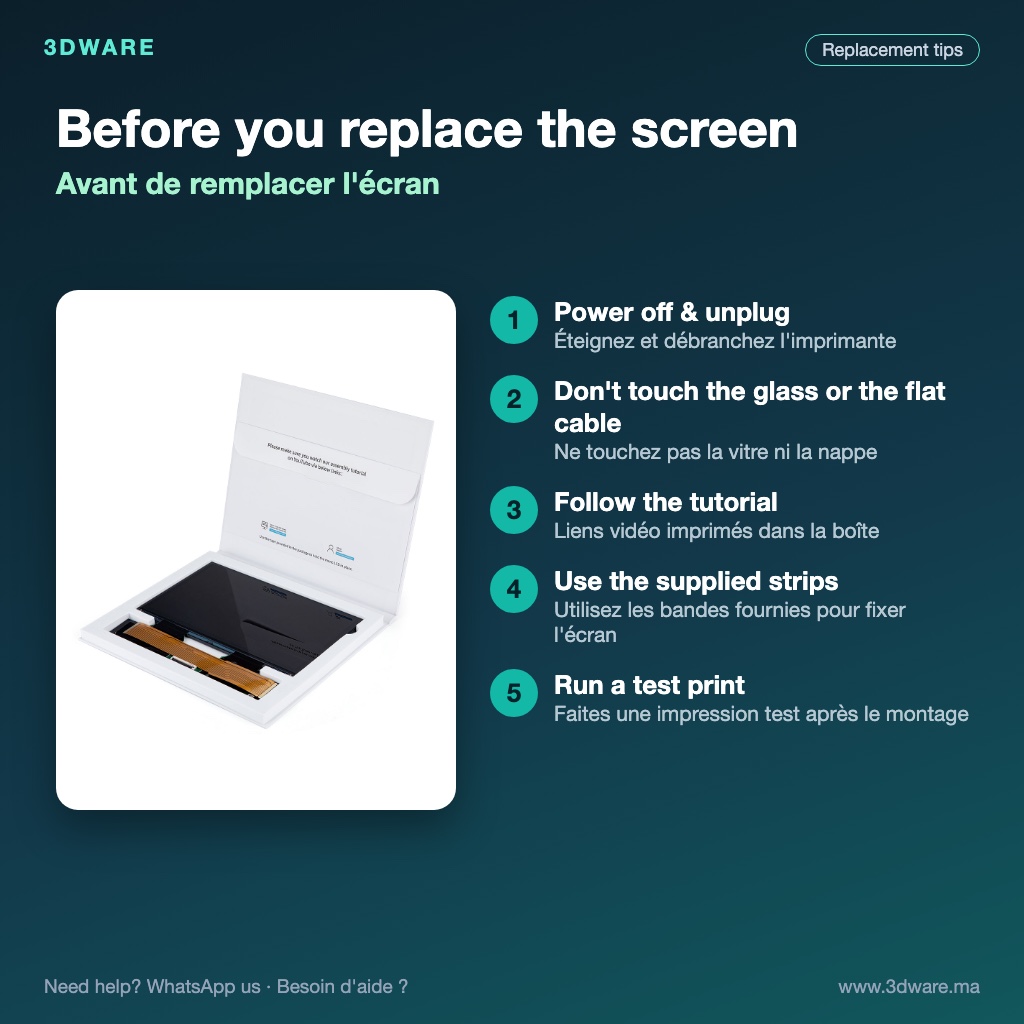
- Switch the printer off and unplug it before opening it. Do not touch the glass or the flat cable with bare fingers, and do not bend the cable.
- Follow the assembly tutorial supplied with the screen, and run a test print once it is fitted.
Need help choosing the right part or fitting it? Contact us on WhatsApp: we ship all over Morocco.
Frequently asked questions
What are the delivery times and methods?
Shipping in 24h or store pick-up (3 Lotissement Promo Sud, Ain Atig, 12040 Témara). We deliver all over Morocco. See our delivery methods.
How can I pay?
By bank transfer or cash on delivery.
Can I return a product?
Yes, returns are free within 14 days. Warranty & returns.
Need advice or a quote?
Our team is available Monday to Friday, 9am to 5pm, on +212 808 553 495. You can also request a quote or write to us.
How do I track my order?
Use the order tracking page.
You may also like…
-
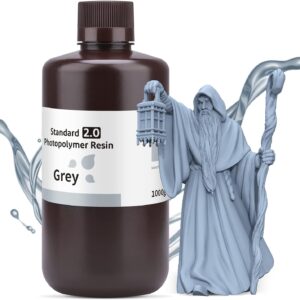
ELEGOO Standard Photopolymer Resin 1.0 405nm for 3D Printer DLP/LCD 1000g Grey
299.09 DH (HT)In stock
Add to cartIn stock
-
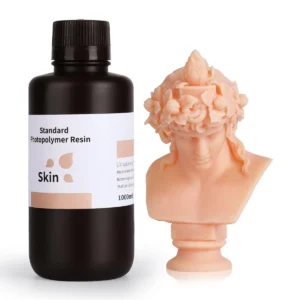
ELEGOO Standard 1.0 Photopolymer Resin Skin 405nm 1 Kg
299.09 DH (HT)In stock
Add to cartIn stock
-
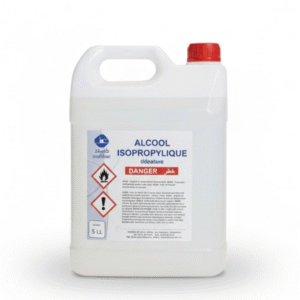
IPA Alcool Isopropylique 99,9% 5L
217.27 DH (HT)In stock
Add to cartIn stock
-
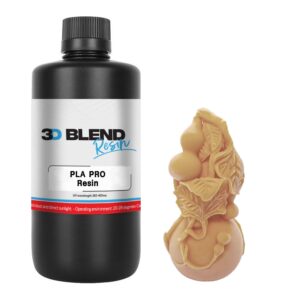
3D Blend Pla Pro Resin (Almond, 1kg)
362.73 DH (HT)In stock
Add to cartIn stock
-
-4%
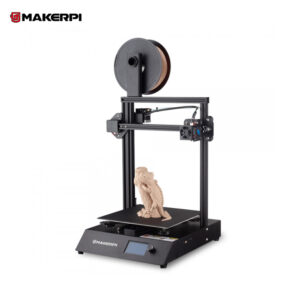
Maker Pi 2 3D Printer 260x260x260
Original price was: 2,499.00 DH (HT).2,180.91 DH (HT)Current price is: 2,180.91 DH (HT).You save 318.09 DH (HT) (-13%)In stock
Add to cartIn stock
-
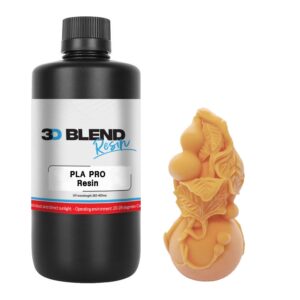
3D Blend Pla Pro Resin (Skin, 1kg)
362.73 DH (HT)In stock
Add to cartIn stock
Related products
-
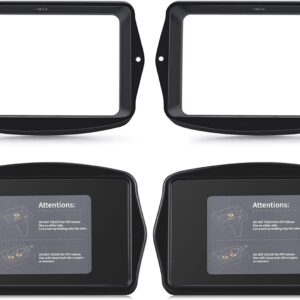
ELEGOO Mars 3 pro Plastic Resin Tank
Price range: 699.00 DH (HT) through 1,399.00 DH (HT)In stock
Select options This product has multiple variants. The options may be chosen on the product pageIn stock
-
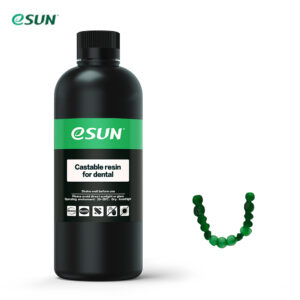
eResin Dental Castable 500ml
635.45 DH (HT)In stock
Add to cartIn stock
-
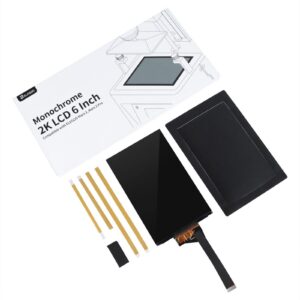
ELEGOO 6.6 Inches 4K Ultra Monochrome LCD Mars 3 Pro LCD Resin 3D Printer
880.91 DH (HT)In stock
Add to cartIn stock
-
Acetone 99 % 5L
135.45 DH (HT)In stock
Add to cartIn stock
-
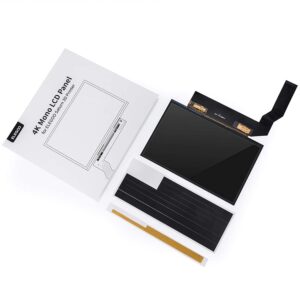
LCD screen for Elegoo Saturn S
1,544.55 DH (HT)In stock
Add to cartIn stock
-
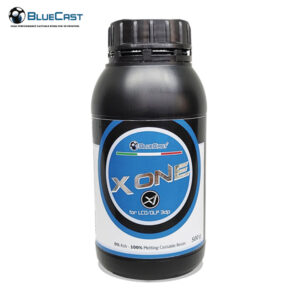
BlueCast X-One v2 Castable Resin for Jewelry 500ml
1,271.82 DH (HT)In stock
Add to cartIn stock
-

IFUN Biocompatible Denture Base
1,771.82 DH (HT)In stock
Add to cartIn stock
-
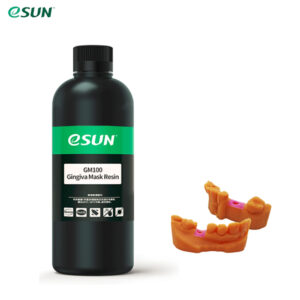
eSUN Dental Biocompatible Gingiva Mask Resin 500ml
849.09 DH (HT)In stock
Add to cartIn stock